

"It is possible to build a 'Juicy' game without spaghetti code."
Developed by Furkan OZKAN
Scalable Architecture & Game Feel Sync
This repo is not a commercial game project. It is a technical prototype demonstrating how intense visual feedback (Game Feel/Juice) can operate in sync with game logic (Logic) efficiently, without compromising Clean Architecture principles.
The Goal
It is a common problem in mobile games for code to become complicated and turn into Coroutine hell when adding “Game Feel”. In this project, I aimed for the following:
- Zero Micro-Pauses: Preventing the input system from locking up while animations play, ensuring the flow continues without “stuttering”.
- Strict MVC: 100% separation between the Visual layer (View) and the Logic layer (Controller).
- Overlapping Logic: Processing the logical outcome (e.g., Enemy death) before the character has even finished their animation.
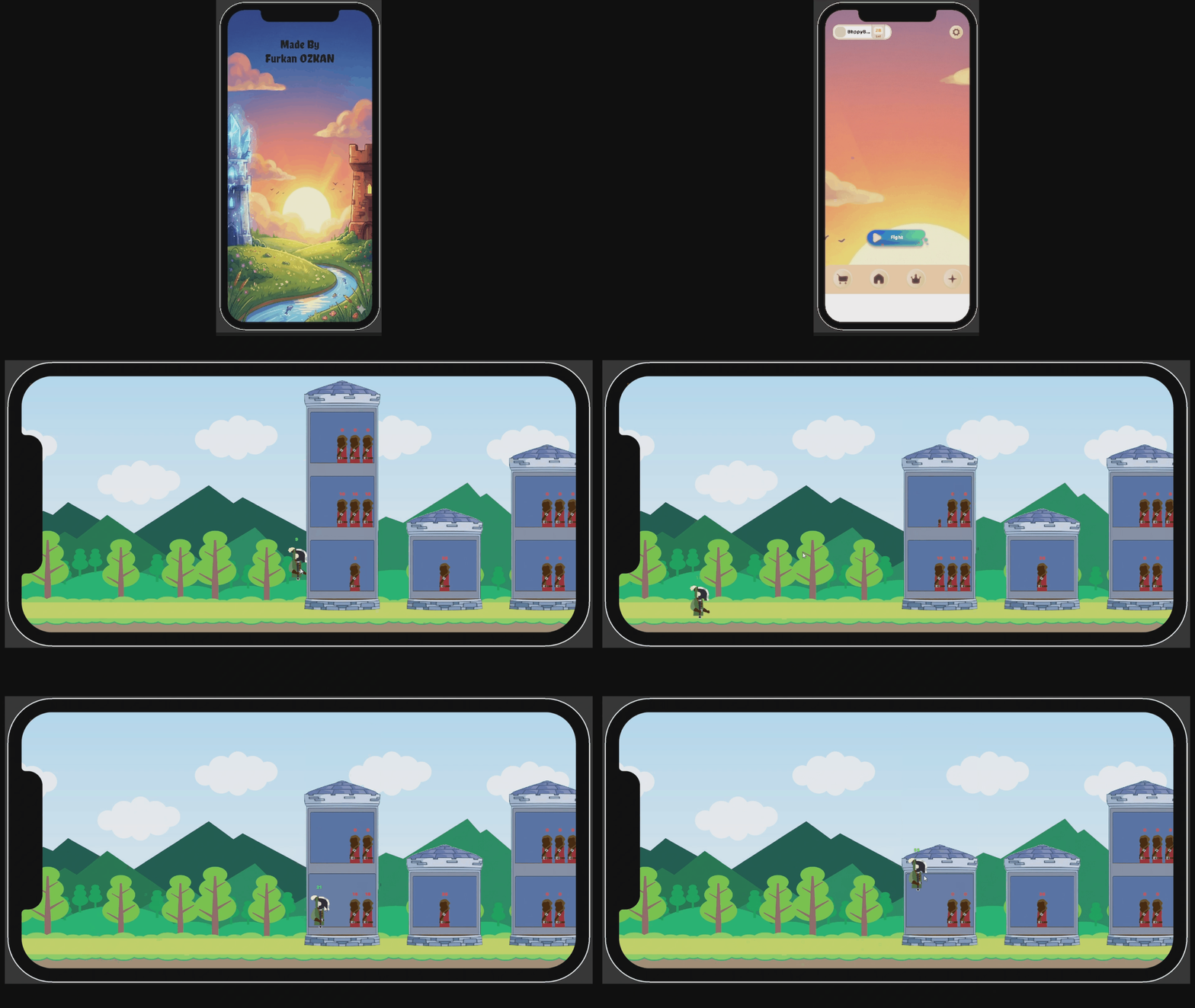
Tech Stack
Instead of reinventing the wheel, I combined industry-standard tools with a custom architecture in this project:
-
- Unity 6 (Engine)
- DOTween Pro (High-performance Tweening)
- More Mountains – Feel (Game Feel & Feedback System)
- Odin Inspector (Workflow & Editor Tools)
Architecture & Patterns
Adhering to S.O.L.I.D. principles, the project utilizes the following patterns:
- MVC (Model-View-Controller): Full isolation of Data, View, and Logic layers.
- Finite State Machine (FSM): Centralized control for Input management (Drag, Drop, Locked, Idle).
- Dependency Injection (DI): Dependency management for modularity and testability.
- Event Bus Pattern: Decoupled communication between systems (UI <-> Logic).
- Factory Pattern: Dynamic object (Room, Enemy) generation.
The "Secret Sauce":
Async Callback Chaining
The most critical technical solution of the project is not freezing the game loop while waiting for animations. Instead of the classic yield return, a “Fire-and-Await” logic is used.
Example Scenario: Character attacks -> Enemy dies at the moment of contact (onImpact) -> Input unlocks when animation finishes (onComplete).
// PlayerView.cs - Simplified Example

public void Attack(Action onImpact, Action onComplete)
{
    // 1. Visual Movement (Tween)
    transform.DOPunchPosition(Vector3.right * 0.5f, 0.3f)
        .OnComplete(() =>
        {
            // 3. Everything is done, Input system can be unlocked.
            onComplete?.Invoke();
        });

    // 2. Logic Trigger (Before animation ends!)
    DOVirtual.DelayedCall(0.1f, () =>
    {
        // Impact moment! Enemy dies, sound plays.
        onImpact?.Invoke();
    });
}
This makes the game feel “Snappy” (Responsive), while the background State Machine continues to run safely.
Requirements
This project uses the following paid assets. You can examine the code, but you must own these packages to run the project in Unity: